EPUB Converter is an on-device utility that converts DRM-free EPUB books into Word, PDF, TXT, and Markdown files.
Download on the App Store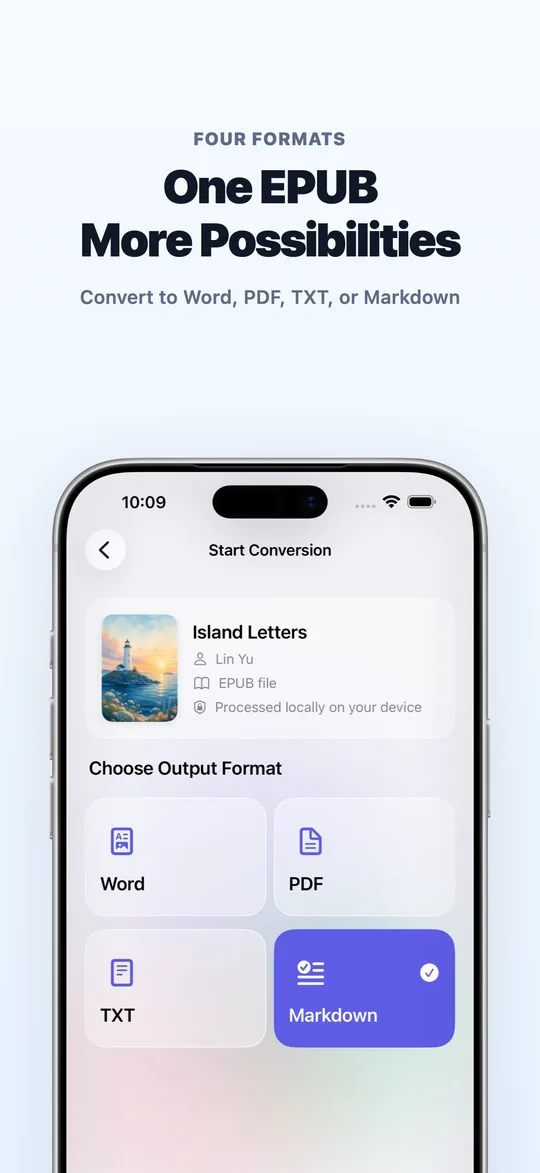
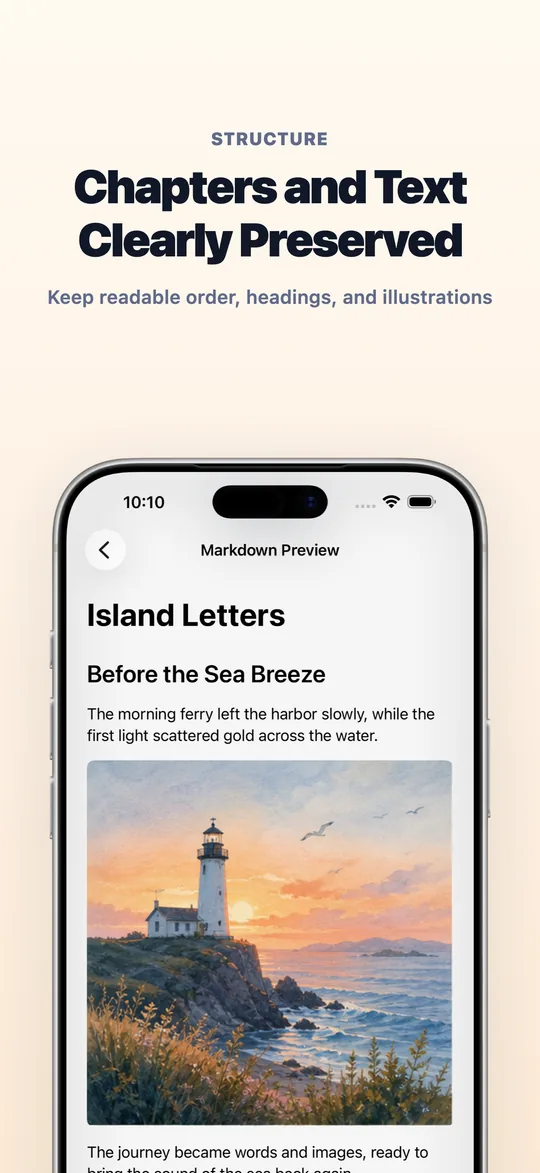
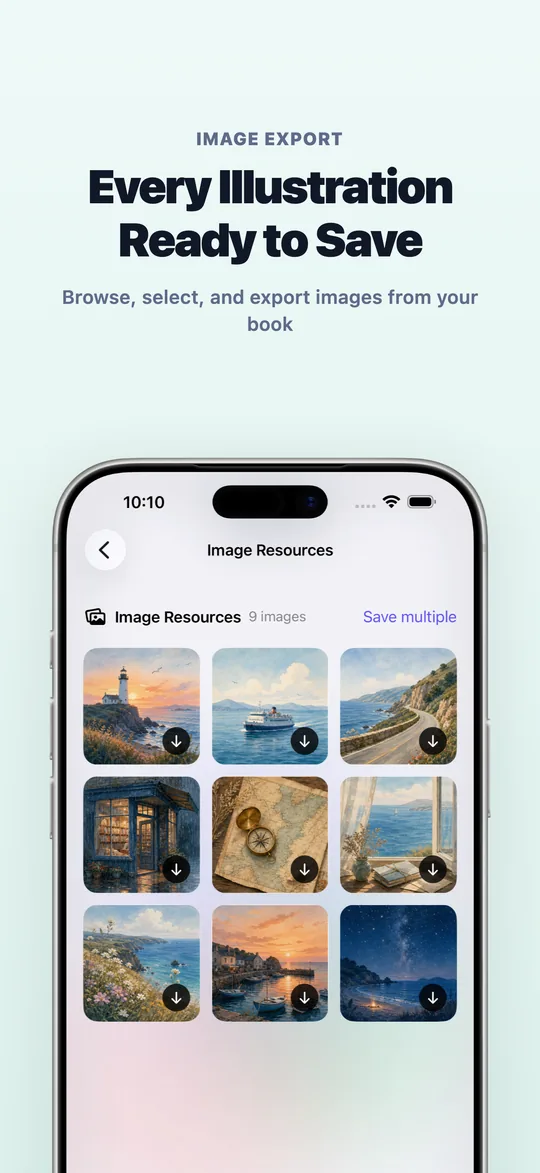
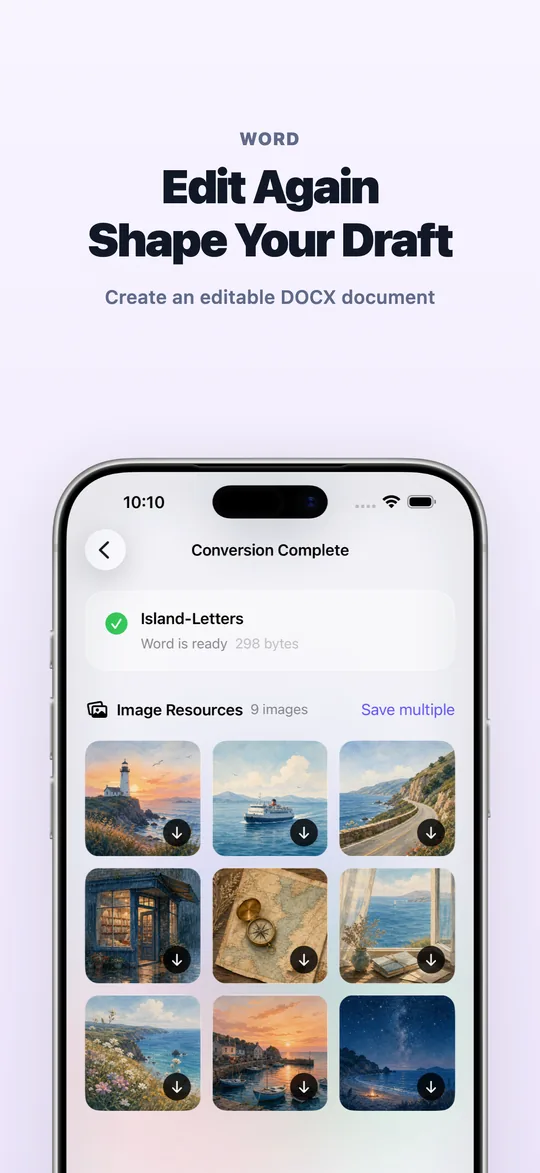
Use it when you need to edit book content, print study material, move a book into a Markdown knowledge base, or extract covers and illustrations from an EPUB file.
KEY FEATURES
- EPUB to Word
Create an editable DOCX document with supported chapters, text, and images.
- EPUB to PDF
Generate a PDF that is easier to share, annotate, and print.
- EPUB to TXT
Extract chapter titles and body text into a clean plain-text file.
- EPUB to Markdown
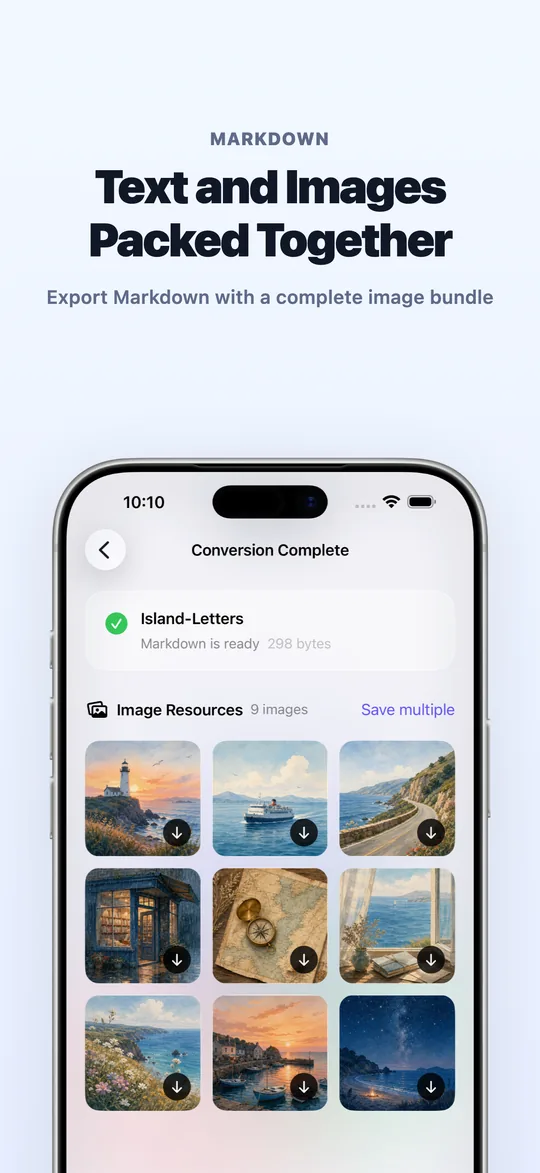
Create a Markdown file and an additional ZIP package containing the Markdown document and its image assets.
- Extract book images
Browse supported covers and illustrations, preview individual images, and export one or multiple files.
- On-device conversion
EPUB parsing and document generation take place on your device. Your book does not need to be uploaded for conversion.
FAQ
Which formats can it convert to?
EPUB Converter turns DRM-free EPUB files into Word, PDF, TXT and Markdown. Markdown can also be exported as a ZIP package with images.
Are my ebooks uploaded to a server?
No. EPUB parsing and file generation happen on your device, so book content is not uploaded.
Can it convert DRM-protected books?
No. DRM-protected ebooks are not supported, and the original fonts, CSS or complex layouts are not guaranteed to be preserved. Results depend on the structure of the source EPUB.
Is it free to use?
Every new user can complete 3 successful conversions for free. Upgrading to EPUB Converter Pro unlocks unlimited exports.
HOW IT WORKS
- Select an EPUB from the system file picker
- Choose Word, PDF, TXT, or Markdown
- Wait for the on-device conversion to finish
- Preview and export the generated file
USE EPUB CONVERTER TO
- Turn an EPUB manuscript into an editable Word document
- Convert an ebook to PDF for annotation or printing
- Move EPUB content into a Markdown knowledge base
- Extract covers and illustrations from books or study material
- Convert private files without uploading them to a conversion server
Every new user can complete three successful conversions at no charge. Upgrade to EPUB Converter Pro to unlock unlimited exports.
Results depend on the structure and content of the source EPUB. The app does not support DRM-protected ebooks and does not promise pixel-perfect preservation of EPUB fonts, CSS, or complex layouts.
What some users say
Reviews from App Store users, quoted as written and not translated.
- ★★★★★
建議添加按次收費
試用了可以的,偶爾用一次訂閱都不划算,對使用頻率不高的用戶,按次收費會比較合理
— na3i3i, China mainland, · See reviews on the App Store
 EPUB OMG
 EPUB Translator
 TXT to EPUB
 EPUB Cover Maker
 BookSend
 Tanko